> ## Documentation Index
> Fetch the complete documentation index at: https://docs.getuntyped.ai/llms.txt
> Use this file to discover all available pages before exploring further.
# Welcome to Untyped
> Your AI email assistant that learns from you and helps you escape the endless Emailing loop.
Connect your email and start using Untyped right away.
## What is Untyped?
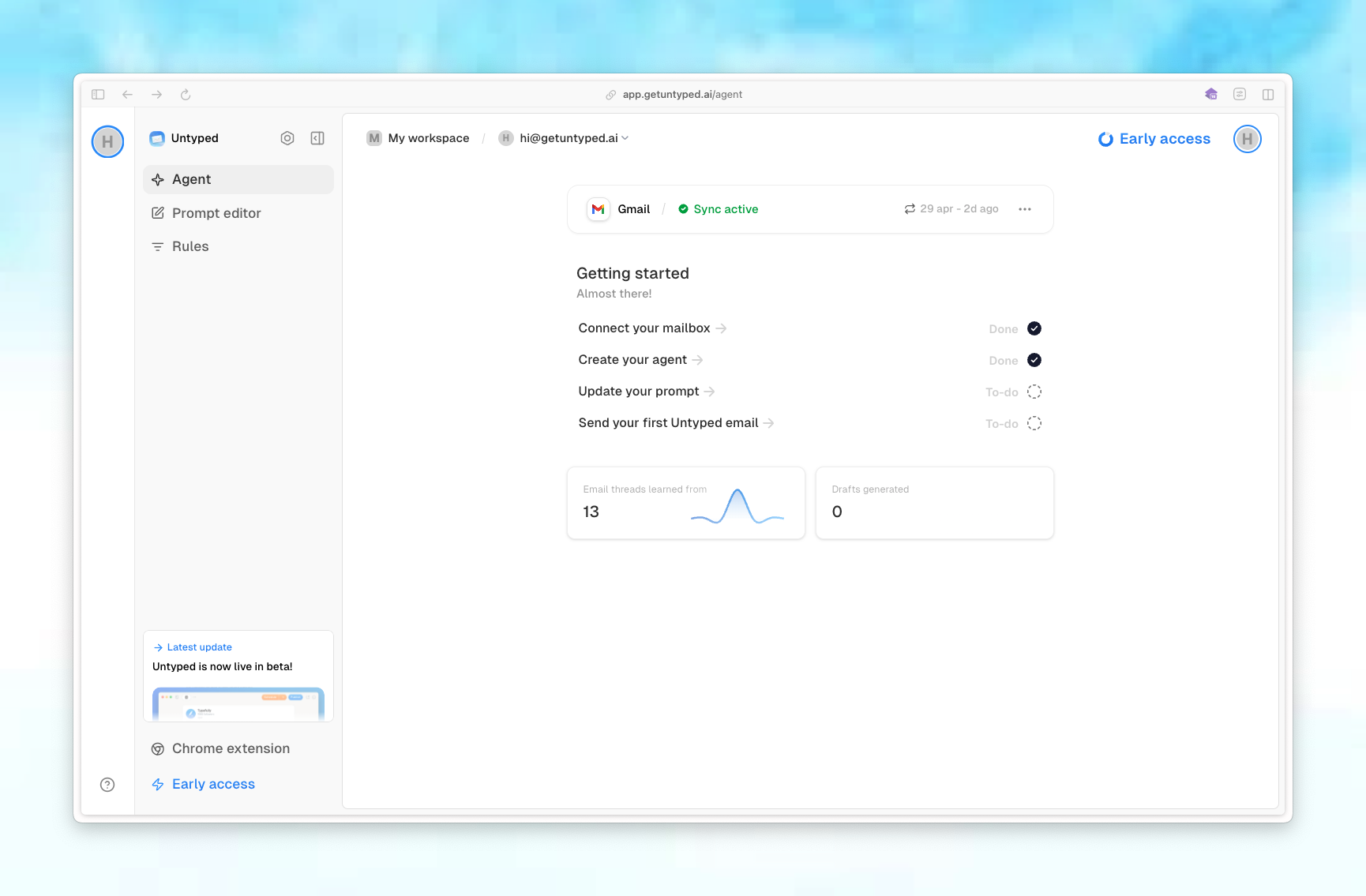
Untyped is an AI-powered email assistant that connects to your Gmail or Outlook inbox to help you manage emails more efficiently. It learns from your email history to automatically draft replies, categorize emails, and surface important insights.
 ## Key Features
Everything you need to take control of your inbox.
Get personalized email draft suggestions that match your writing style.
Your AI agent learns from your past emails to help you respond more accurate over time.
Automatically organize your emails with smart labels.
Customize how your AI agent writes and responds to emails.
Set rules to control how your agent handles different types of emails.
See what your agent has learned about your contacts and communication patterns.
## Getting Started
Get up and running with Untyped in just a few steps.
Learn how to securely connect Gmail or Outlook to Untyped.
## Key Features
Everything you need to take control of your inbox.
Get personalized email draft suggestions that match your writing style.
Your AI agent learns from your past emails to help you respond more accurate over time.
Automatically organize your emails with smart labels.
Customize how your AI agent writes and responds to emails.
Set rules to control how your agent handles different types of emails.
See what your agent has learned about your contacts and communication patterns.
## Getting Started
Get up and running with Untyped in just a few steps.
Learn how to securely connect Gmail or Outlook to Untyped.