

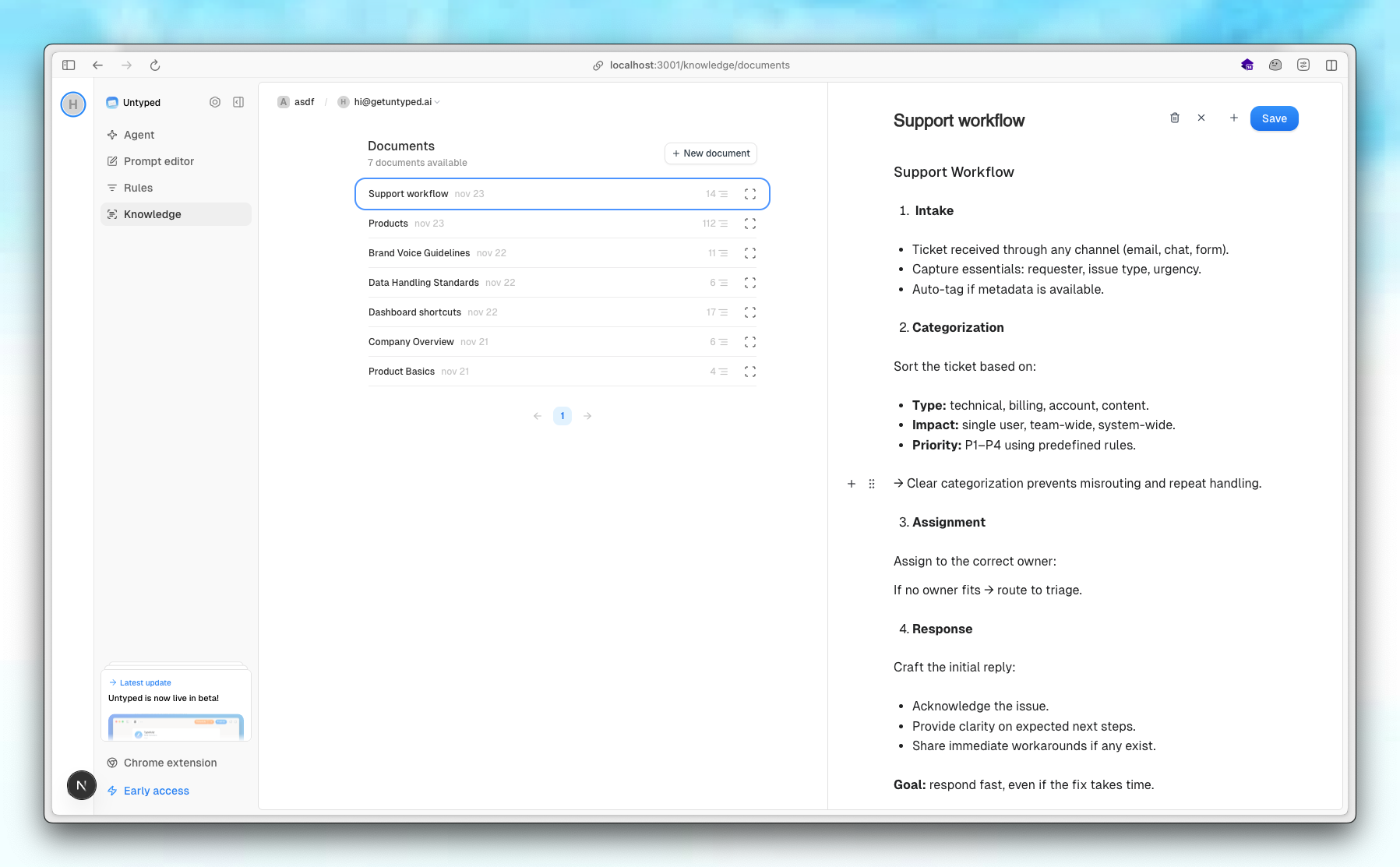
How It Works
When an incoming email is labeled as Needs reply (triggering a draft generation), Untyped automatically searches your Knowledge Base.- Semantic Search: The system analyzes the incoming email and semantically searches your uploaded documents.
- Context Retrieval: The top 20 most relevant articles are retrieved.
- Draft Generation: These articles are provided as context to the AI agent, allowing it to write a response informed by your specific data.
Knowledge Base context is additive. The agent combines the knowledge base with the context it already learns on auto-pilot from your email history, to generate the best possible draft.
Specs
- Markdown Support: Documents support Markdown formatting, allowing for structured and easy-to-read content.
- Unlimited Uploads: There is currently no limit to the number of knowledge documents you can add.
- Granular Control: Perfect for FAQs, pricing sheets, technical documentation, or other important guides.
Coming Soon: We are working on the ability to share Knowledge Bases across multiple mailboxes within your organization.
Best Practices
- Keep it Focused: Break down large documents into smaller, topic-specific articles for better retrieval accuracy.
- Use Clear Headings: Markdown headings (#, ##) help the AI understand the structure and hierarchy of information.
- Update Regularly: Ensure your knowledge base reflects your most current policies and information.